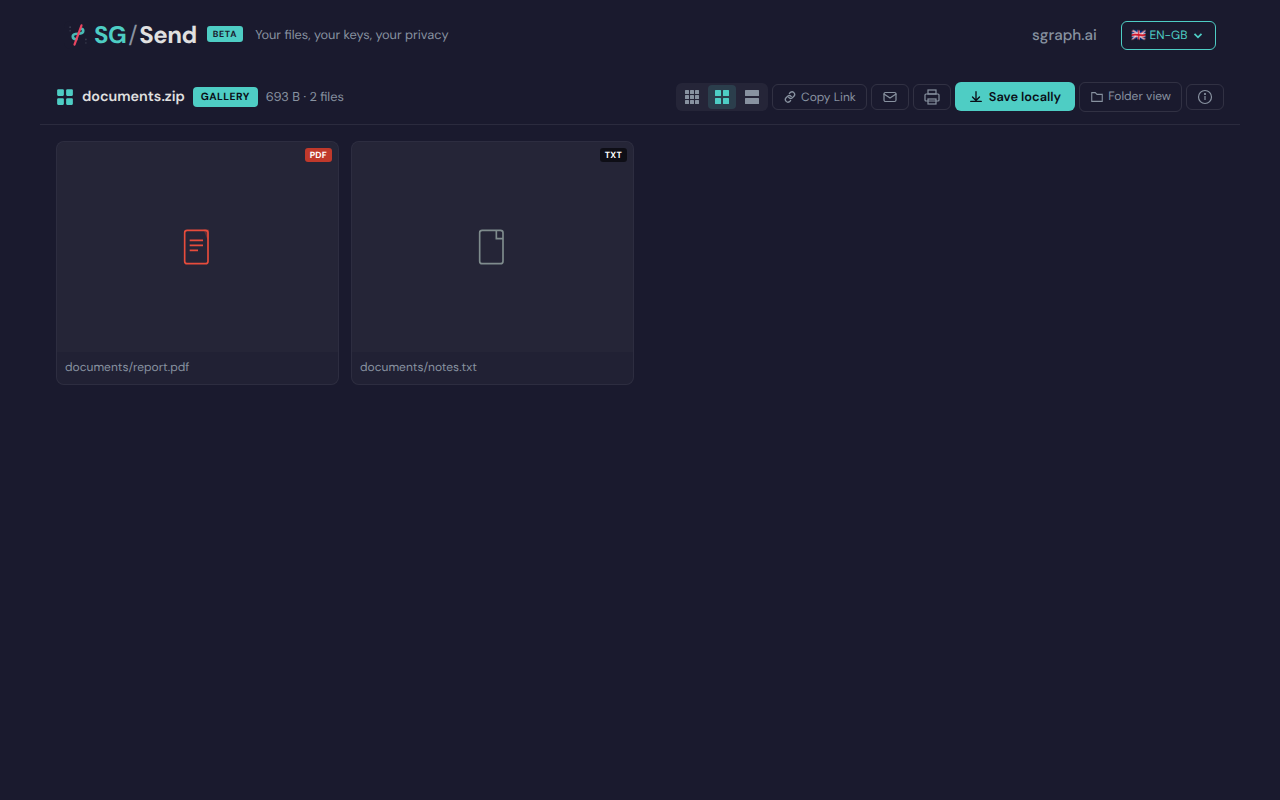
Clicking the PDF thumbnail opens the lightbox without error.
1
present_button_visible_for_pdf
A ‘Present’ button appears in the lightbox when viewing a PDF.
1
present_button_click_enters_fullscreen
Clicking the Present button enters full-screen / presentation mode.
0
f_shortcut_triggers_present
The ‘f’ keyboard shortcut triggers present / fullscreen mode.
2
s_key_triggers_save
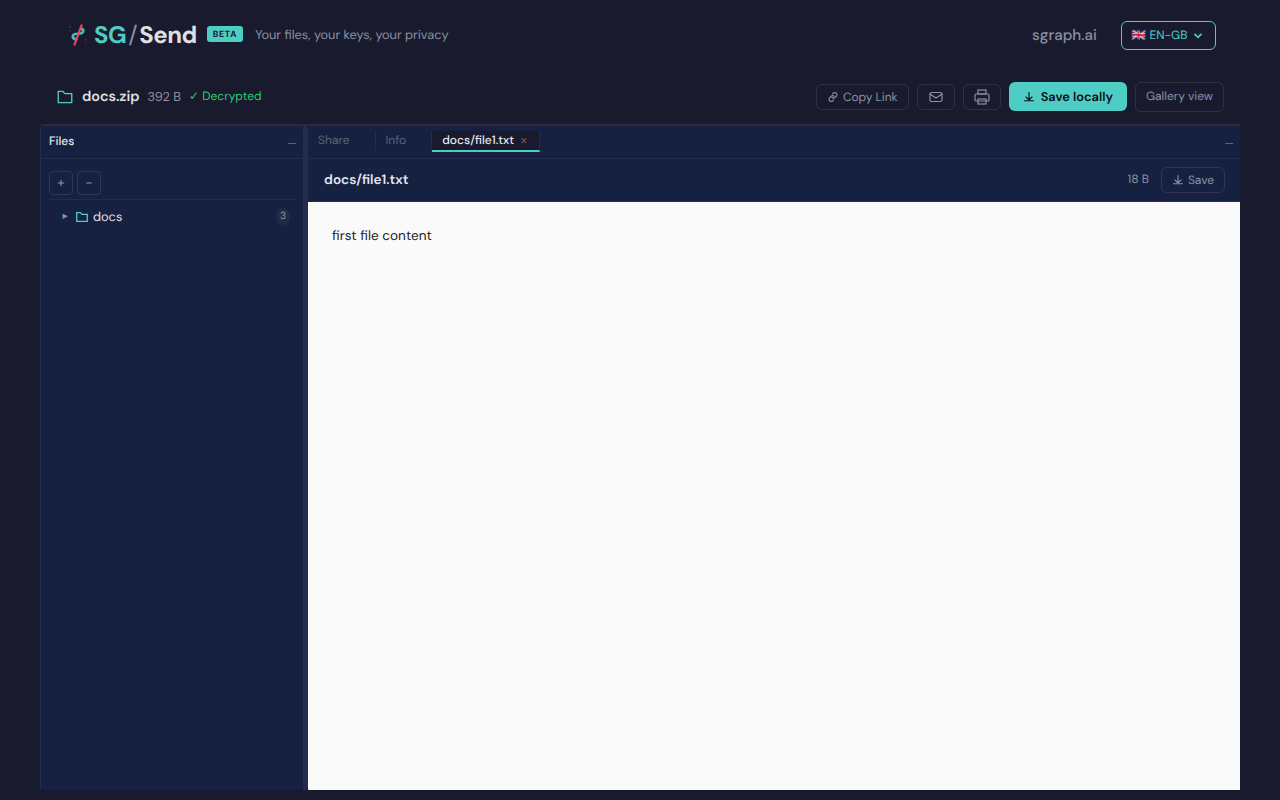
Pressing ‘s’ when a file is selected triggers save/download.
2
j_key_moves_selection_down
‘j’ key moves file selection down in browse view.
0
k_key_moves_selection_up
‘k’ key moves file selection up in browse view.
0
Screenshots
02 S Key Pressed
’s’ key pressed (no download dialog)
Deterministic view (non-dynamic areas only)
01 Pdf Lightbox
PDF opened in lightbox
Deterministic view (non-dynamic areas only)
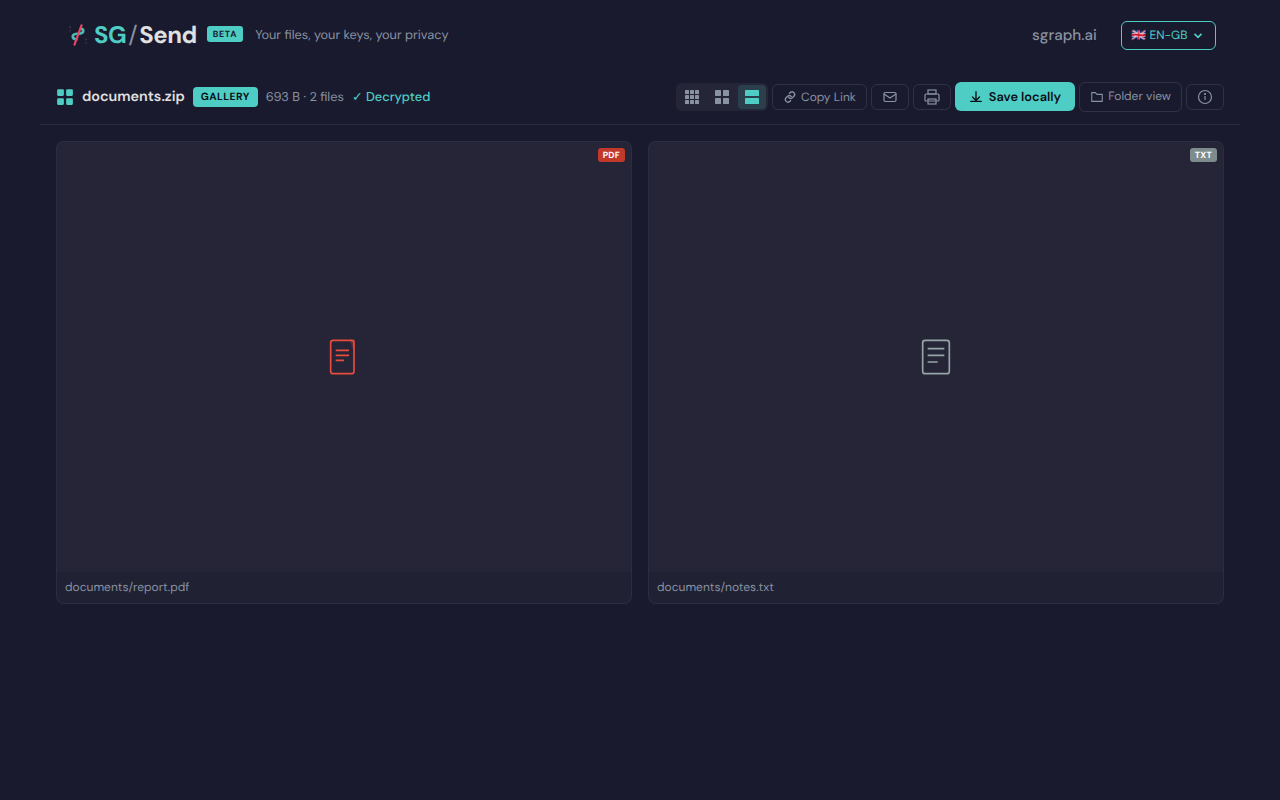
02 Present Button
Present button in PDF lightbox
Deterministic view (non-dynamic areas only)
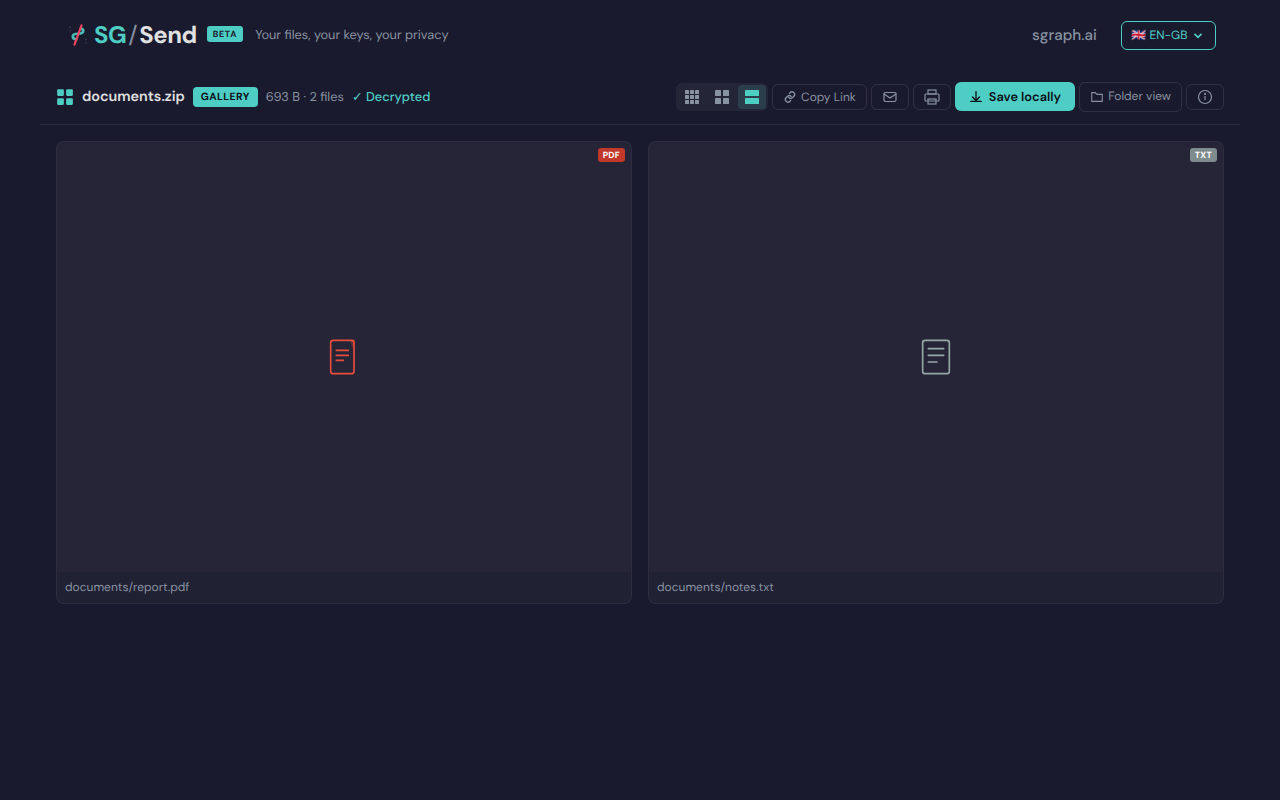
05 Before F Shortcut
Before ‘f’ shortcut
Deterministic view (non-dynamic areas only)
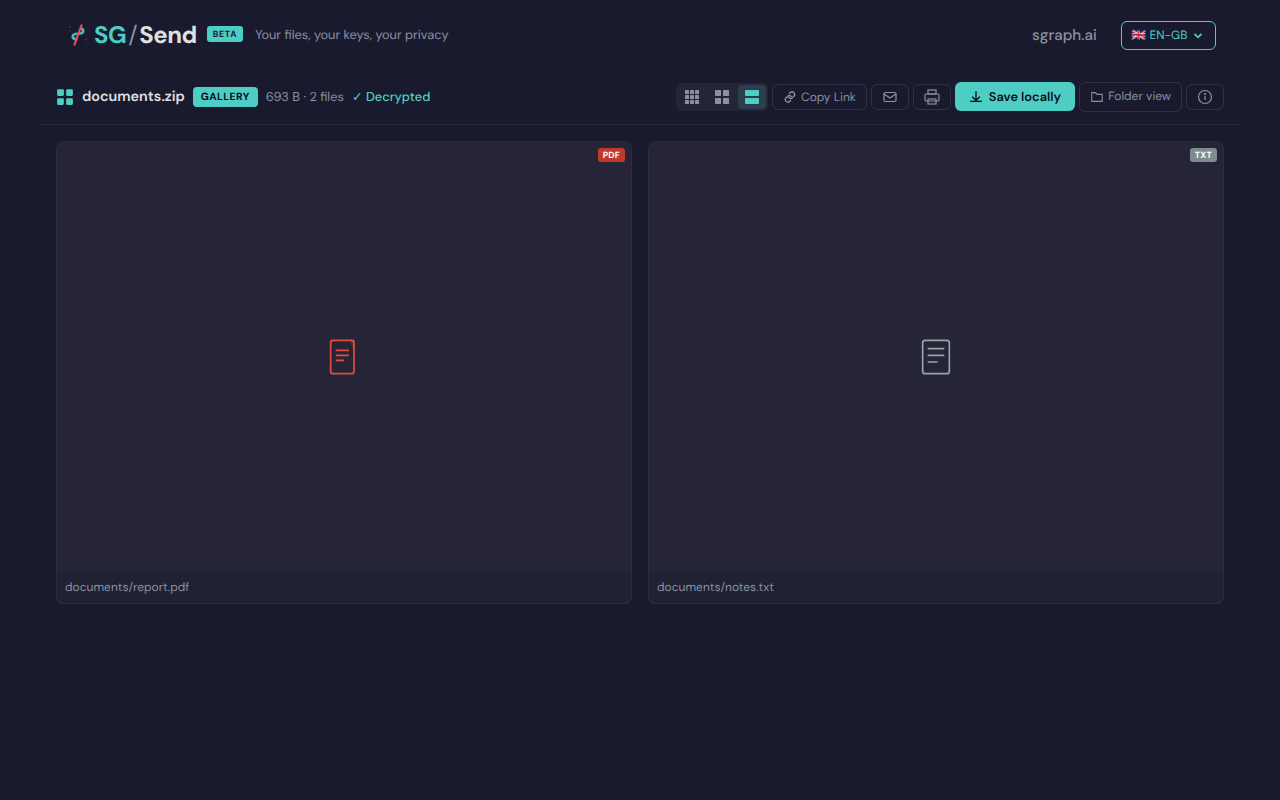
06 After F Shortcut
After ‘f’ shortcut
Deterministic view (non-dynamic areas only)
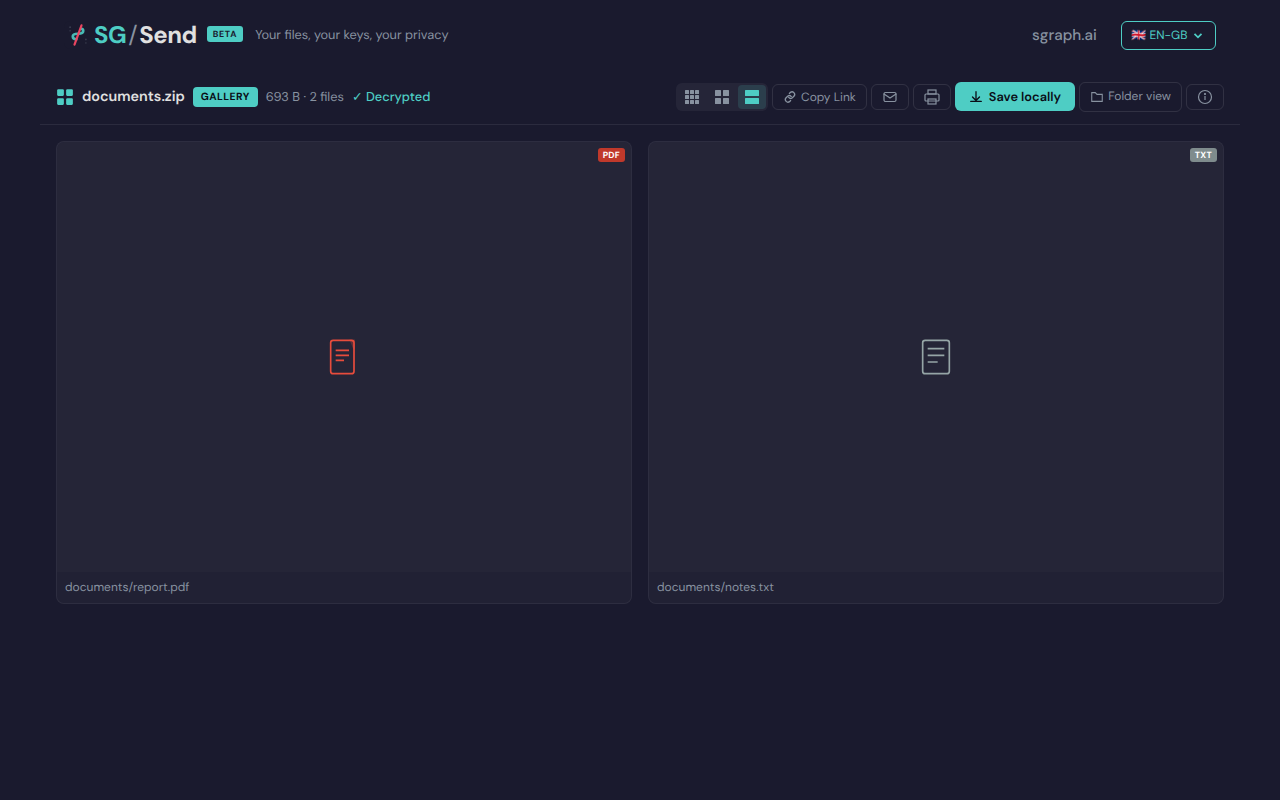
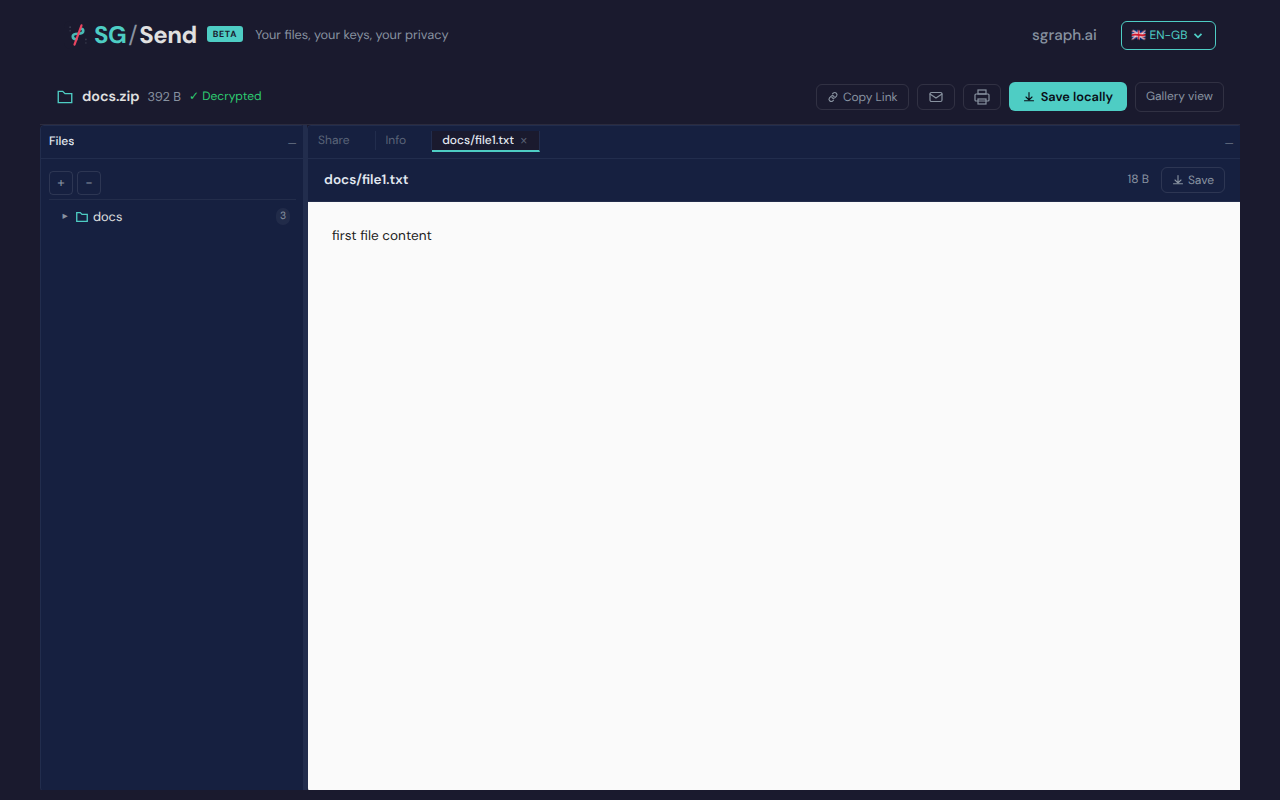
01 File Selected
File selected in browse
Deterministic view (non-dynamic areas only)
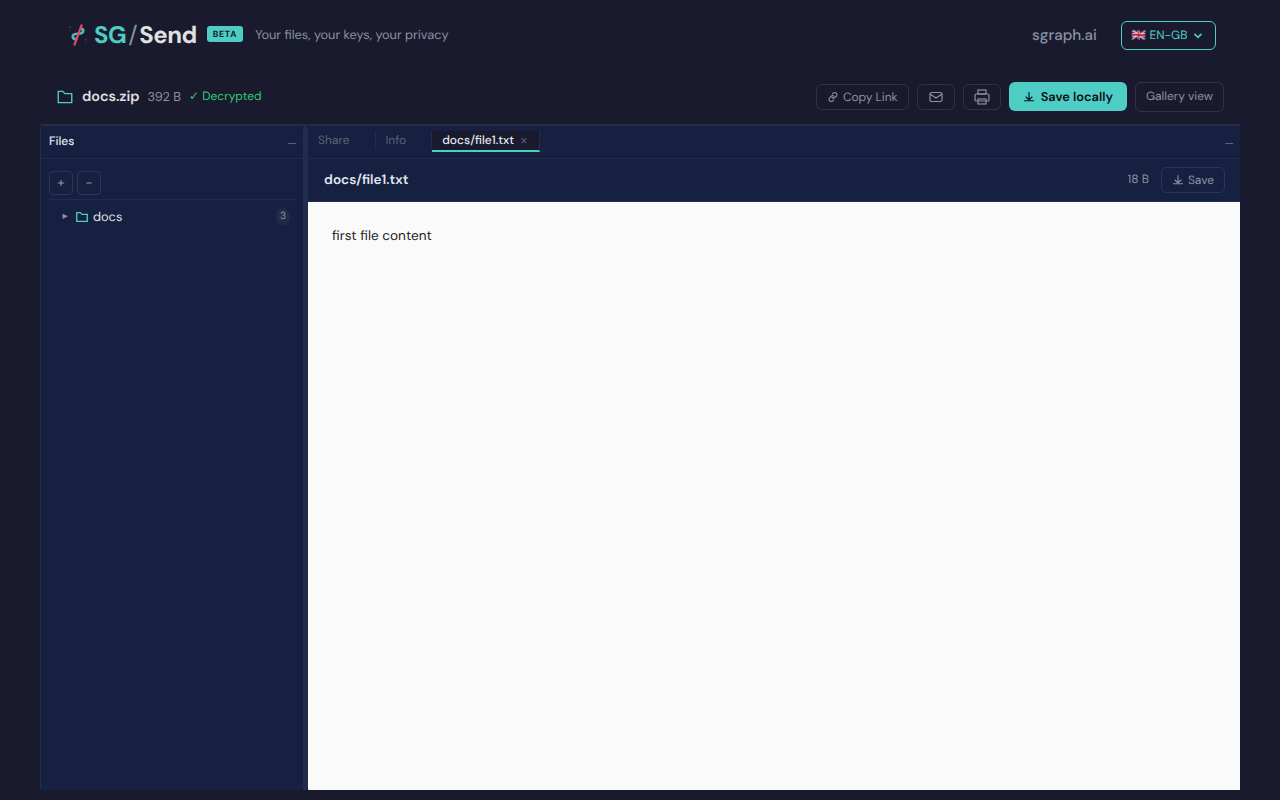
02 Download Triggered
Download triggered by ‘s’ key
Deterministic view (non-dynamic areas only)
View test source — tests/qa/v030/p2__pdf_present/test__pdf_present.py
```python
"""UC-06 (P2): PDF lightbox — Present mode and 'f' fullscreen shortcut.
Test flow:
- Upload a minimal valid PDF as part of a zip
- Open the gallery view
- Click the PDF thumbnail to open it in the lightbox
- Verify a "Present" button appears (PDF-specific control)
- Click Present and verify the viewer enters present/fullscreen mode
- Verify the 'f' keyboard shortcut also triggers the present mode
- Verify the 's' keyboard shortcut saves / downloads the current file
These tests are P2 — they verify progressive-enhancement behaviour and do not
block deployment if failing.
v0.3.1 notes:
- Gallery view is NOT patched in v0.3.1 — these tests run against the
unchanged v0.3.0 gallery view and should continue to pass unmodified.
- BRW-002 adds a Present button to the BROWSE view (not gallery).
That is tested separately in tests/qa/v031/p2__browse/test__browse_v031.py.
"""
import pytest
import zipfile
import io
from playwright.sync_api import expect
from tests.qa.v030.browser_helpers import goto
pytestmark = pytest.mark.p2
# ---------------------------------------------------------------------------
# Minimal valid single-page PDF (no fonts, no images, 1×1 pt white page)
# Generated offline and embedded as bytes to avoid external dependencies.
# ---------------------------------------------------------------------------
_MINIMAL_PDF = (
b"%PDF-1.4\n"
b"1 0 obj\n<< /Type /Catalog /Pages 2 0 R >>\nendobj\n"
b"2 0 obj\n<< /Type /Pages /Kids [3 0 R] /Count 1 >>\nendobj\n"
b"3 0 obj\n<< /Type /Page /Parent 2 0 R "
b"/MediaBox [0 0 72 72] "
b"/Resources << >> "
b"/Contents 4 0 R >>\nendobj\n"
b"4 0 obj\n<< /Length 0 >>\nstream\nendstream\nendobj\n"
b"xref\n0 5\n"
b"0000000000 65535 f \n"
b"0000000009 00000 n \n"
b"0000000058 00000 n \n"
b"0000000115 00000 n \n"
b"0000000266 00000 n \n"
b"trailer\n<< /Size 5 /Root 1 0 R >>\nstartxref\n317\n%%EOF\n"
)
def _make_pdf_zip():
"""Create a zip containing the minimal PDF plus a dummy image."""
buf = io.BytesIO()
with zipfile.ZipFile(buf, "w") as zf:
zf.writestr("documents/report.pdf", _MINIMAL_PDF)
# Add a second file so the gallery isn't in single-file mode
zf.writestr("documents/notes.txt", b"notes content")
buf.seek(0)
return buf.read()
class TestPDFPresentMode:
"""Verify PDF-specific lightbox controls in the gallery view."""
def _open_pdf_lightbox(self, page, ui_url, transfer_helper):
"""Upload a PDF zip, open gallery, click the PDF thumbnail."""
zip_bytes = _make_pdf_zip()
tid, key_b64 = transfer_helper.upload_encrypted(zip_bytes, "documents.zip")
gallery_url = f"{ui_url}/en-gb/gallery/#{tid}/{key_b64}"
goto(page, gallery_url)
# Wait for page content to load
expect(page.locator("body")).not_to_be_empty(timeout=10_000)
# Click any thumbnail to open the lightbox (PDF should be first)
thumb = page.locator(
"img[class*='thumb'], img[class*='gallery'], .thumbnail img, img"
).first
if thumb.is_visible(timeout=5_000):
thumb.click()
# Wait for lightbox/modal to appear
lightbox = page.locator(
"[class*='lightbox'], [class*='modal'], [class*='overlay'], "
"[role='dialog'], [class*='viewer'], iframe"
).first
lightbox.wait_for(state="visible", timeout=5_000)
return tid, key_b64
def test_pdf_lightbox_opens(self, page, ui_url, transfer_helper, screenshots):
"""Clicking the PDF thumbnail opens the lightbox without error."""
self._open_pdf_lightbox(page, ui_url, transfer_helper)
screenshots.capture(page, "01_pdf_lightbox", "PDF opened in lightbox")
# Lightbox or a full-size viewer should be visible
lightbox = page.locator(
"[class*='lightbox'], [class*='modal'], [class*='overlay'], "
"[role='dialog'], [class*='viewer'], iframe"
).first
assert lightbox.is_visible(timeout=5_000) or \
"pdf" in (page.text_content("body") or "").lower() or \
page.locator("body").text_content() is not None, \
"Lightbox did not open for PDF thumbnail"
def test_present_button_visible_for_pdf(self, page, ui_url, transfer_helper, screenshots):
"""A 'Present' button appears in the lightbox when viewing a PDF."""
self._open_pdf_lightbox(page, ui_url, transfer_helper)
present_btn = page.locator(
"button:has-text('Present'), button[title*='resent'], "
"[class*='present'], [aria-label*='resent']"
).first
screenshots.capture(page, "02_present_button", "Present button in PDF lightbox")
if not present_btn.is_visible(timeout=3_000):
pytest.skip(
"Present button not found — PDF viewer may not support present mode "
"or this file type did not trigger it"
)
assert present_btn.is_visible(), "Present button is not visible for PDF in lightbox"
def test_present_button_click_enters_fullscreen(self, page, ui_url, transfer_helper, screenshots):
"""Clicking the Present button enters full-screen / presentation mode."""
self._open_pdf_lightbox(page, ui_url, transfer_helper)
present_btn = page.locator(
"button:has-text('Present'), button[title*='resent'], "
"[class*='present'], [aria-label*='resent']"
).first
if not present_btn.is_visible(timeout=3_000):
pytest.skip("Present button not found — skipping fullscreen test")
screenshots.capture(page, "03_before_present", "Before present mode")
present_btn.click()
# Wait for fullscreen indicator to appear
fullscreen_indicators = page.locator(
"[class*='fullscreen'], [class*='present-mode'], [class*='slideshow'], "
"[data-mode*='present'], [class*='full-screen']"
)
fullscreen_indicators.first.wait_for(state="visible", timeout=5_000)
screenshots.capture(page, "04_after_present", "After present button clicked")
body_classes = page.evaluate("document.body.className") or ""
assert fullscreen_indicators.count() > 0 or "full" in body_classes.lower() or \
"present" in body_classes.lower(), \
"No fullscreen/present-mode indicator found after clicking Present"
def test_f_shortcut_triggers_present(self, page, ui_url, transfer_helper, screenshots):
"""The 'f' keyboard shortcut triggers present / fullscreen mode."""
self._open_pdf_lightbox(page, ui_url, transfer_helper)
screenshots.capture(page, "05_before_f_shortcut", "Before 'f' shortcut")
# Press 'f' — the brief says this should trigger present/fullscreen
page.keyboard.press("f")
# Wait for a fullscreen-like indicator
fullscreen_indicators = page.locator(
"[class*='fullscreen'], [class*='present-mode'], [class*='slideshow'], "
"[data-mode*='present'], [class*='full-screen']"
)
try:
fullscreen_indicators.first.wait_for(state="visible", timeout=3_000)
except Exception:
pass # shortcut may not be implemented
screenshots.capture(page, "06_after_f_shortcut", "After 'f' shortcut")
body_classes = page.evaluate("document.body.className") or ""
is_fullscreen_api = page.evaluate("!!document.fullscreenElement")
feature_active = (
fullscreen_indicators.count() > 0
or "full" in body_classes.lower()
or "present" in body_classes.lower()
or is_fullscreen_api
)
if not feature_active:
pytest.skip("'f' shortcut fullscreen/present mode not implemented in this UI version")
class TestBrowseSKeyShortcut:
"""UC-07: 's' key saves (downloads) the currently selected file in browse view."""
def _open_browse_with_files(self, page, ui_url, transfer_helper):
"""Upload a multi-file zip and open browse view."""
buf = io.BytesIO()
with zipfile.ZipFile(buf, "w") as zf:
zf.writestr("docs/file1.txt", b"first file content")
zf.writestr("docs/file2.txt", b"second file content")
zf.writestr("docs/file3.md", b"# Markdown\nsome content")
buf.seek(0)
zip_bytes = buf.read()
tid, key_b64 = transfer_helper.upload_encrypted(zip_bytes, "docs.zip")
browse_url = f"{ui_url}/en-gb/browse/#{tid}/{key_b64}"
goto(page, browse_url)
expect(page.locator("body")).not_to_be_empty(timeout=10_000)
page.wait_for_timeout(1_500) # allow JS to decrypt and render the tree
return tid, key_b64
def test_s_key_triggers_save(self, page, ui_url, transfer_helper, screenshots):
"""Pressing 's' when a file is selected triggers save/download."""
self._open_browse_with_files(page, ui_url, transfer_helper)
# Click the first file in the tree to select it
file_item = page.locator(
"[class*='file'], [class*='tree-item'], [class*='list-item'], li"
).first
if file_item.is_visible(timeout=5_000):
file_item.click()
# Wait for selection to register
file_item.wait_for(state="visible")
screenshots.capture(page, "01_file_selected", "File selected in browse")
# Set up download listener before pressing 's'
try:
with page.expect_download(timeout=5_000) as download_info:
page.keyboard.press("s")
download = download_info.value
screenshots.capture(page, "02_download_triggered", "Download triggered by 's' key")
assert download is not None, "'s' key did not trigger a file download"
except Exception:
# 's' shortcut not implemented — verify at least no visible error
screenshots.capture(page, "02_s_key_pressed", "'s' key pressed (no download dialog)")
# inner_text avoids false positive from inline scripts with {"error":"..."}
page_text = page.inner_text("body") or ""
assert "error" not in page_text.lower(), \
"'s' key caused an error in browse view"
def test_j_key_moves_selection_down(self, page, ui_url, transfer_helper, screenshots):
"""'j' key moves file selection down in browse view."""
self._open_browse_with_files(page, ui_url, transfer_helper)
file_items = page.locator("[class*='file'], [class*='tree-item'], [class*='list-item'], li")
if file_items.count() < 2:
pytest.skip("Not enough files to test j/k navigation")
first_item = file_items.first
if not first_item.is_visible(timeout=5_000):
pytest.skip("File items not visible — browse tree did not render (possible collapsed folder)")
first_item.click()
screenshots.capture(page, "03_first_selected", "First file selected")
page.keyboard.press("j")
screenshots.capture(page, "04_after_j", "After 'j' key — selection moved down")
body_after = page.text_content("body") or ""
assert body_after is not None, "Page is empty after 'j' keypress"
def test_k_key_moves_selection_up(self, page, ui_url, transfer_helper, screenshots):
"""'k' key moves file selection up in browse view."""
self._open_browse_with_files(page, ui_url, transfer_helper)
file_items = page.locator("[class*='file'], [class*='tree-item'], [class*='list-item'], li")
if file_items.count() < 2:
pytest.skip("Not enough files to test j/k navigation")
# Go to the second item first
first_item = file_items.first
if not first_item.is_visible(timeout=5_000):
pytest.skip("File items not visible — browse tree did not render (possible collapsed folder)")
first_item.click()
page.keyboard.press("j")
screenshots.capture(page, "05_second_selected", "Second file selected")
page.keyboard.press("k")
screenshots.capture(page, "06_after_k", "After 'k' key — selection moved up")
body_after = page.text_content("body") or ""
assert body_after is not None, "Page is empty after 'k' keypress"
```