Download Gallery
Test source at commit 807336ab · v0.2.16
UC-06: Gallery view features (P1).
Test flow:
- Verify view mode buttons work (compact / grid / large)
- Verify Copy Link, Email, Print, Save locally buttons are present
- Verify Info panel toggles
- Verify lightbox opens on thumbnail click
- Verify lightbox navigation (arrows)
- Verify SG/Send branding in lightbox
View source on GitHub — tests/qa/v030/p1__download__gallery/test__download__gallery.py
Test Methods
| Method |
Description |
Screenshots |
gallery_page_loads |
Gallery page loads without errors for an image-heavy zip. |
1 |
view_mode_buttons_present |
View mode buttons (compact/grid/large) are present in gallery. |
1 |
action_buttons_present |
Copy Link, Email, Save locally, Print buttons are present. |
1 |
info_panel_toggle |
Info button toggles the info panel showing transfer metadata. |
1 |
lightbox_opens_on_thumbnail |
Clicking a thumbnail opens the lightbox. |
1 |
lightbox_arrow_navigation |
Arrow buttons navigate between images in the lightbox. |
0 |
Screenshots
01 Gallery Loaded
Gallery view loaded
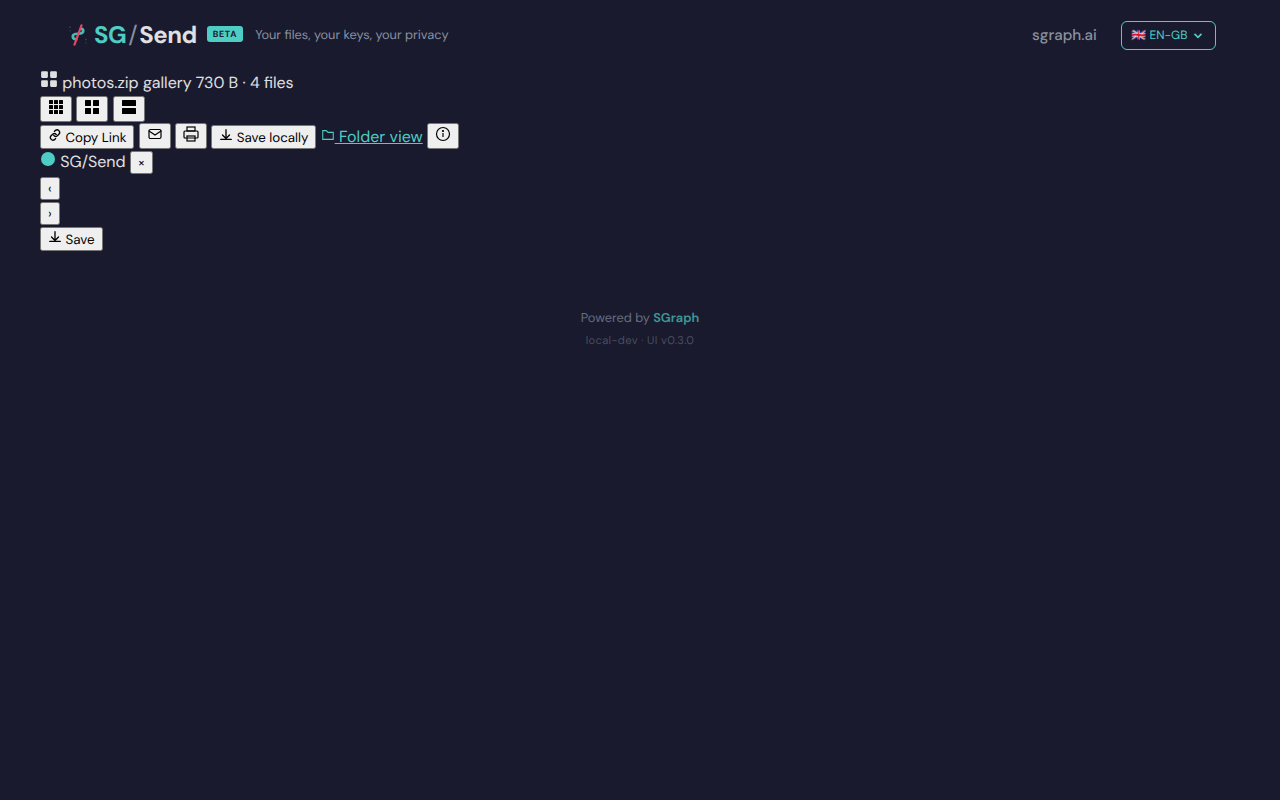
Deterministic view (non-dynamic areas only)
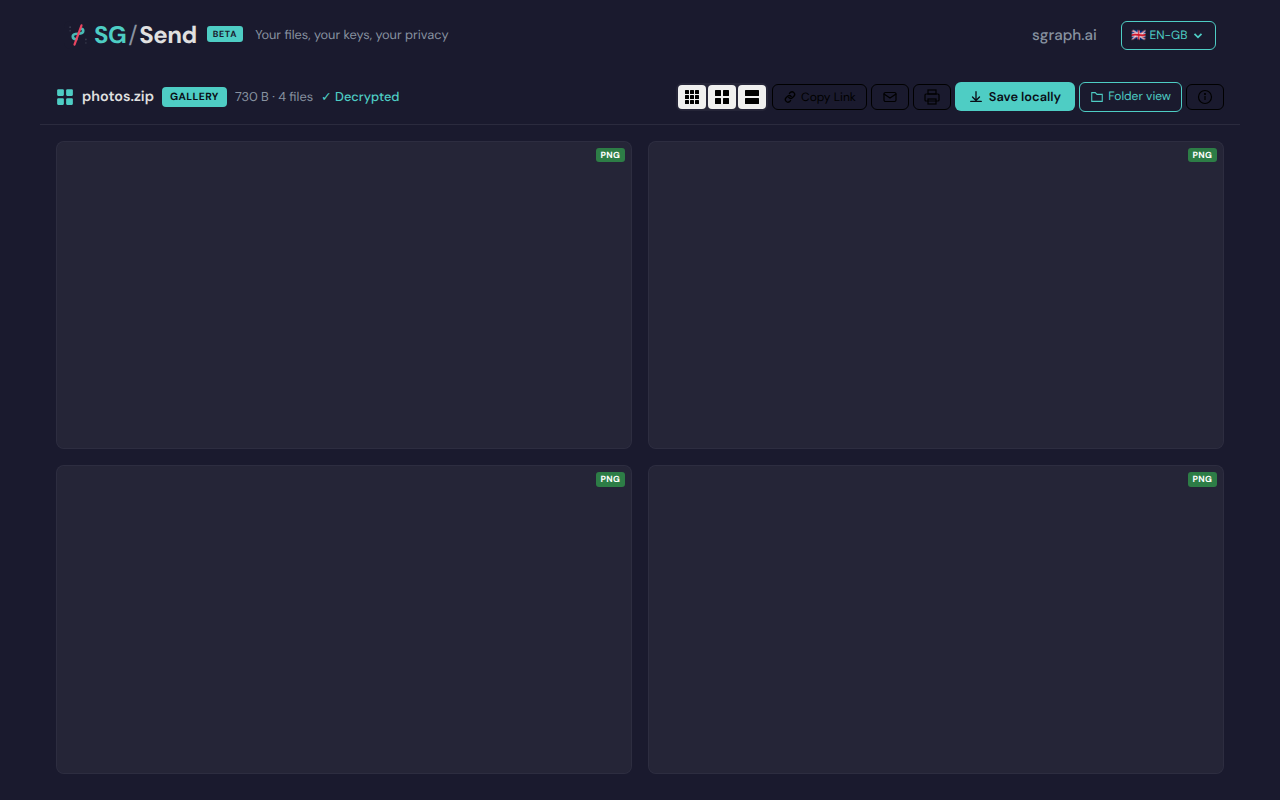
02 View Controls
View mode controls
Deterministic view (non-dynamic areas only)
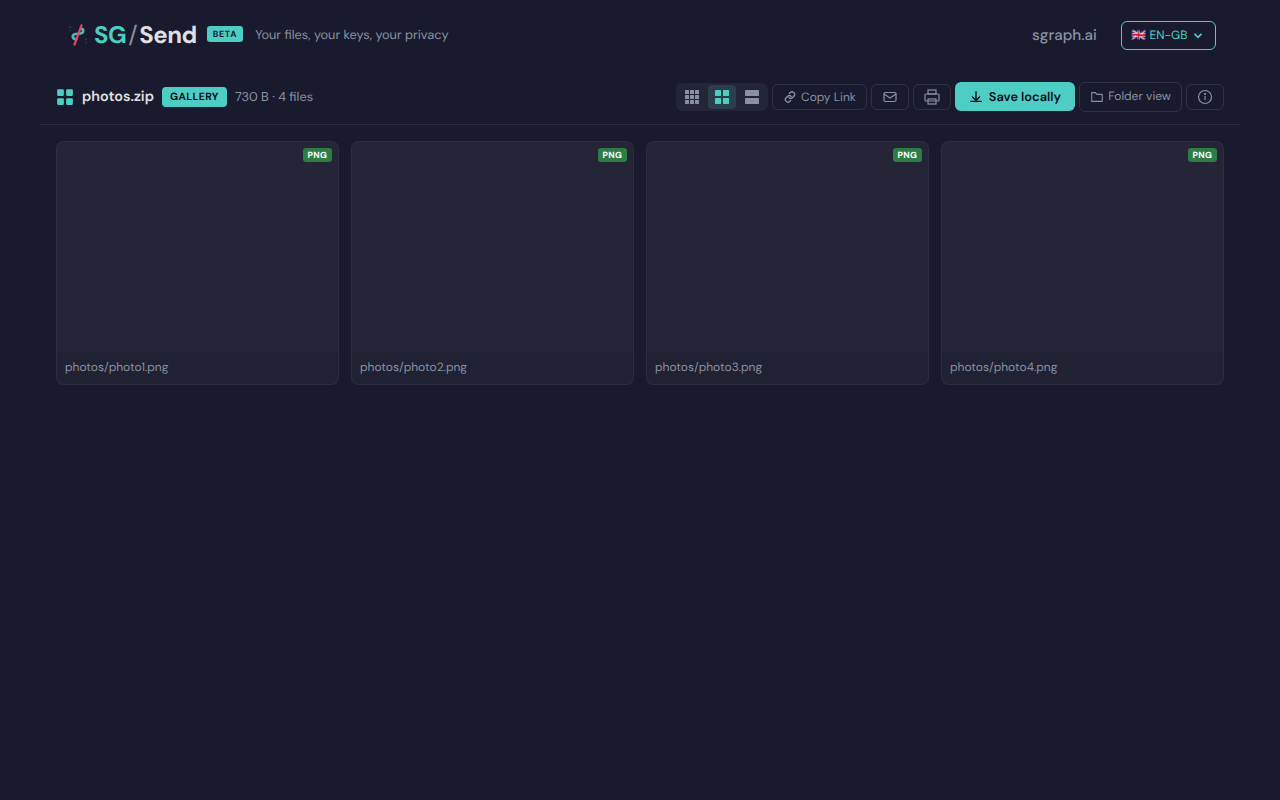
Gallery action buttons
Deterministic view (non-dynamic areas only)
04 Before Info
Before info panel toggle
Deterministic view (non-dynamic areas only)
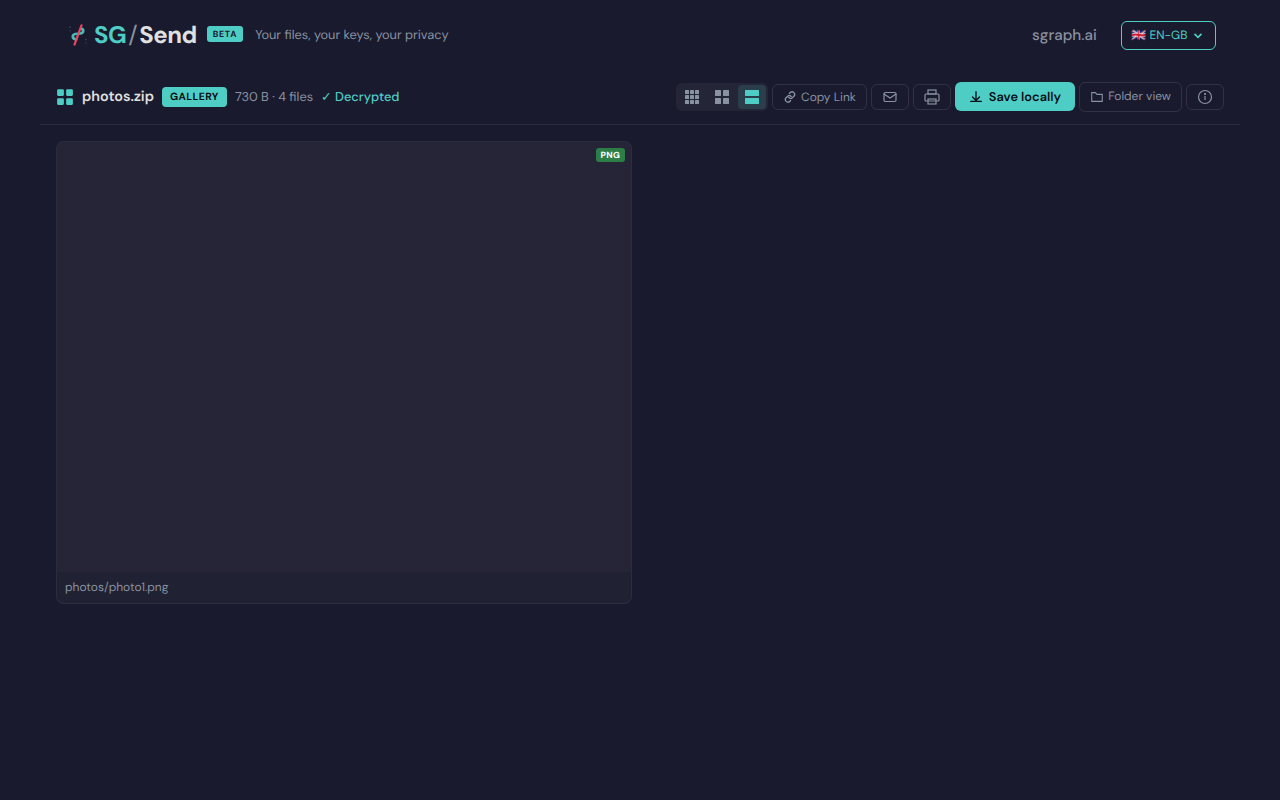
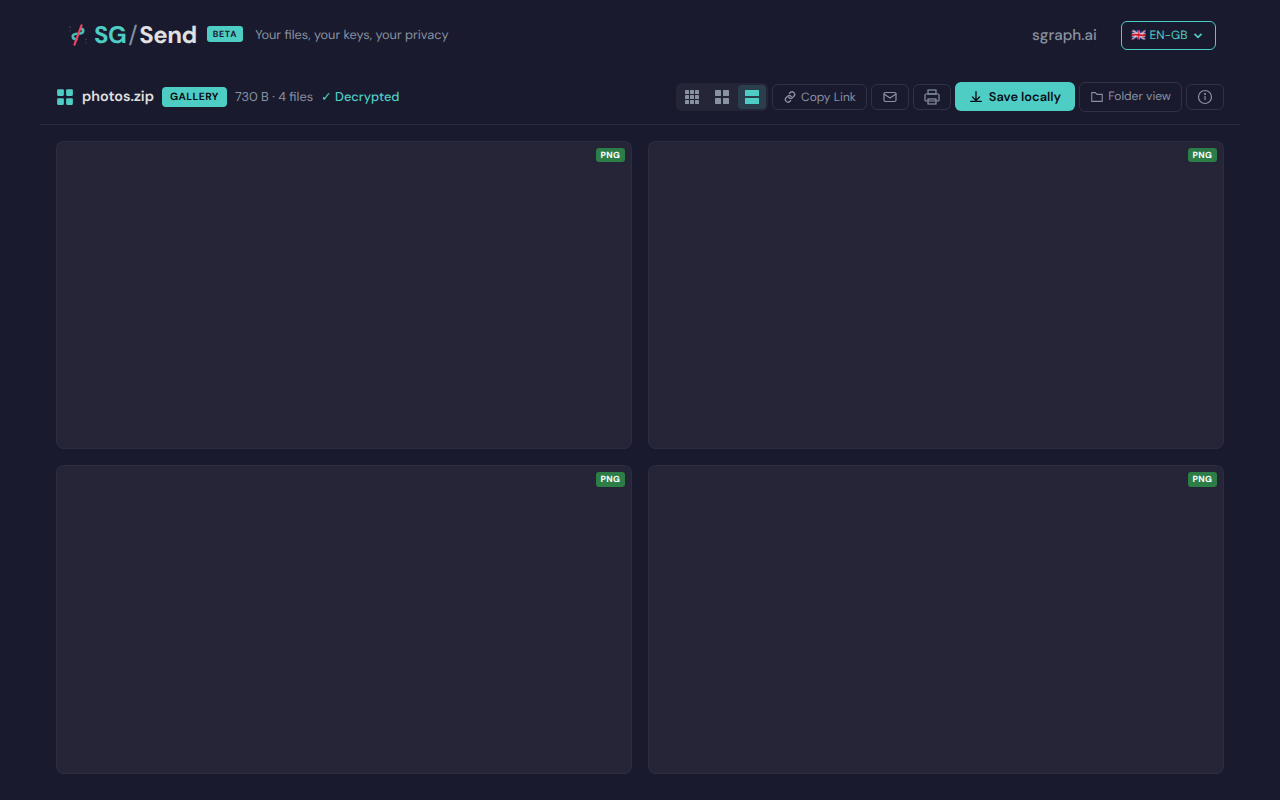
06 Before Lightbox
Gallery before lightbox
Deterministic view (non-dynamic areas only)
View test source — tests/qa/v030/p1__download__gallery/test__download__gallery.py
```python
"""UC-06: Gallery view features (P1).
Test flow:
- Verify view mode buttons work (compact / grid / large)
- Verify Copy Link, Email, Print, Save locally buttons are present
- Verify Info panel toggles
- Verify lightbox opens on thumbnail click
- Verify lightbox navigation (arrows)
- Verify SG/Send branding in lightbox
"""
import pytest
import zipfile
import io
from playwright.sync_api import expect
from tests.qa.v030.browser_helpers import goto
pytestmark = pytest.mark.p1
_PNG_HEADER = (
b'\x89PNG\r\n\x1a\n'
b'\x00\x00\x00\rIHDR\x00\x00\x00\x01\x00\x00\x00\x01'
b'\x08\x02\x00\x00\x00\x90wS\xde'
b'\x00\x00\x00\x0cIDATx\x9cc\xf8\x0f\x00\x00\x01\x01\x00\x05\x18\xd8N'
b'\x00\x00\x00\x00IEND\xaeB`\x82'
)
def _make_image_zip():
buf = io.BytesIO()
with zipfile.ZipFile(buf, "w") as zf:
zf.writestr("photos/photo1.png", _PNG_HEADER)
zf.writestr("photos/photo2.png", _PNG_HEADER)
zf.writestr("photos/photo3.png", _PNG_HEADER)
zf.writestr("photos/photo4.png", _PNG_HEADER)
buf.seek(0)
return buf.read()
class TestGalleryViewFeatures:
"""Verify gallery view UI features for an image-heavy zip."""
def _open_gallery(self, page, ui_url, transfer_helper):
zip_bytes = _make_image_zip()
tid, key_b64 = transfer_helper.upload_encrypted(zip_bytes, "photos.zip")
gallery_url = f"{ui_url}/en-gb/gallery/#{tid}/{key_b64}"
goto(page, gallery_url)
# Wait for page content to be present
expect(page.locator("body")).not_to_be_empty(timeout=10_000)
return tid, key_b64
def test_gallery_page_loads(self, page, ui_url, transfer_helper, screenshots):
"""Gallery page loads without errors for an image-heavy zip."""
tid, key_b64 = self._open_gallery(page, ui_url, transfer_helper)
screenshots.capture(page, "01_gallery_loaded", "Gallery view loaded")
# inner_text() only returns visible text — text_content() also picks up
# inline script bodies (e.g. service worker mocks with {"error":"blocked"})
page_text = page.inner_text("body") or ""
assert "error" not in page_text.lower(), "Gallery page shows error"
def test_view_mode_buttons_present(self, page, ui_url, transfer_helper, screenshots):
"""View mode buttons (compact/grid/large) are present in gallery."""
self._open_gallery(page, ui_url, transfer_helper)
# Look for view mode controls
view_controls = page.locator(
"button[title*='compact'], button[title*='grid'], button[title*='large'], "
"[class*='view-mode'], [class*='layout']"
)
screenshots.capture(page, "02_view_controls", "View mode controls")
# At least one view mode control should exist
assert view_controls.count() > 0 or page.locator("body").text_content(), \
"No view mode controls found"
def test_action_buttons_present(self, page, ui_url, transfer_helper, screenshots):
"""Copy Link, Email, Save locally, Print buttons are present."""
self._open_gallery(page, ui_url, transfer_helper)
screenshots.capture(page, "03_action_buttons", "Gallery action buttons")
page_text = page.text_content("body") or ""
page_text_lower = page_text.lower()
# At least some action buttons should be present
found_actions = [
kw for kw in ["copy", "email", "save", "print", "download"]
if kw in page_text_lower
]
assert len(found_actions) > 0, \
f"No action buttons found (copy/email/save/print). Page text: {page_text[:500]}"
def test_info_panel_toggle(self, page, ui_url, transfer_helper, screenshots):
"""Info button toggles the info panel showing transfer metadata."""
self._open_gallery(page, ui_url, transfer_helper)
info_btn = page.locator(
"button:has-text('Info'), button[title*='info'], [class*='info-btn']"
).first
screenshots.capture(page, "04_before_info", "Before info panel toggle")
if info_btn.is_visible(timeout=3000):
info_btn.click()
# Wait for panel content to appear
page.locator("body").wait_for(state="visible")
screenshots.capture(page, "05_info_panel_open", "Info panel open")
page_text = page.text_content("body") or ""
# Info panel should show transfer metadata
assert any(kw in page_text.lower() for kw in ["size", "file", "encrypt", "transfer"]), \
"Info panel does not show transfer metadata"
def test_lightbox_opens_on_thumbnail(self, page, ui_url, transfer_helper, screenshots):
"""Clicking a thumbnail opens the lightbox."""
self._open_gallery(page, ui_url, transfer_helper)
# Click the first thumbnail image
thumbnail = page.locator("img[class*='thumb'], img[class*='gallery'], .thumbnail img").first
if not thumbnail.is_visible(timeout=5000):
# Try clicking any image on the page
thumbnail = page.locator("img").first
screenshots.capture(page, "06_before_lightbox", "Gallery before lightbox")
if thumbnail.is_visible(timeout=3000):
thumbnail.click()
# Wait for lightbox/overlay to appear
lightbox = page.locator(
"[class*='lightbox'], [class*='modal'], [class*='overlay'], [role='dialog']"
).first
try:
lightbox.wait_for(state="visible", timeout=3000)
except Exception:
pass # lightbox may render differently; assertion below handles it
screenshots.capture(page, "07_lightbox_open", "Lightbox opened")
assert lightbox.is_visible(timeout=1000) or \
page.locator("body").text_content() is not None, \
"Lightbox did not open after thumbnail click"
def test_lightbox_arrow_navigation(self, page, ui_url, transfer_helper, screenshots):
"""Arrow buttons navigate between images in the lightbox."""
self._open_gallery(page, ui_url, transfer_helper)
thumbnail = page.locator("img").first
if thumbnail.is_visible(timeout=3000):
thumbnail.click()
# Wait for lightbox to appear
page.locator(
"[class*='lightbox'], [class*='modal'], [class*='overlay'], [role='dialog']"
).first.wait_for(state="visible", timeout=3000)
# Look for next/prev arrows
next_btn = page.locator(
"button[aria-label*='next'], button[aria-label*='Next'], "
"[class*='next'], [class*='arrow-right']"
).first
if next_btn.is_visible(timeout=3000):
next_btn.click()
page.locator("body").wait_for(state="visible")
screenshots.capture(page, "08_lightbox_next", "Lightbox navigated to next image")
```